
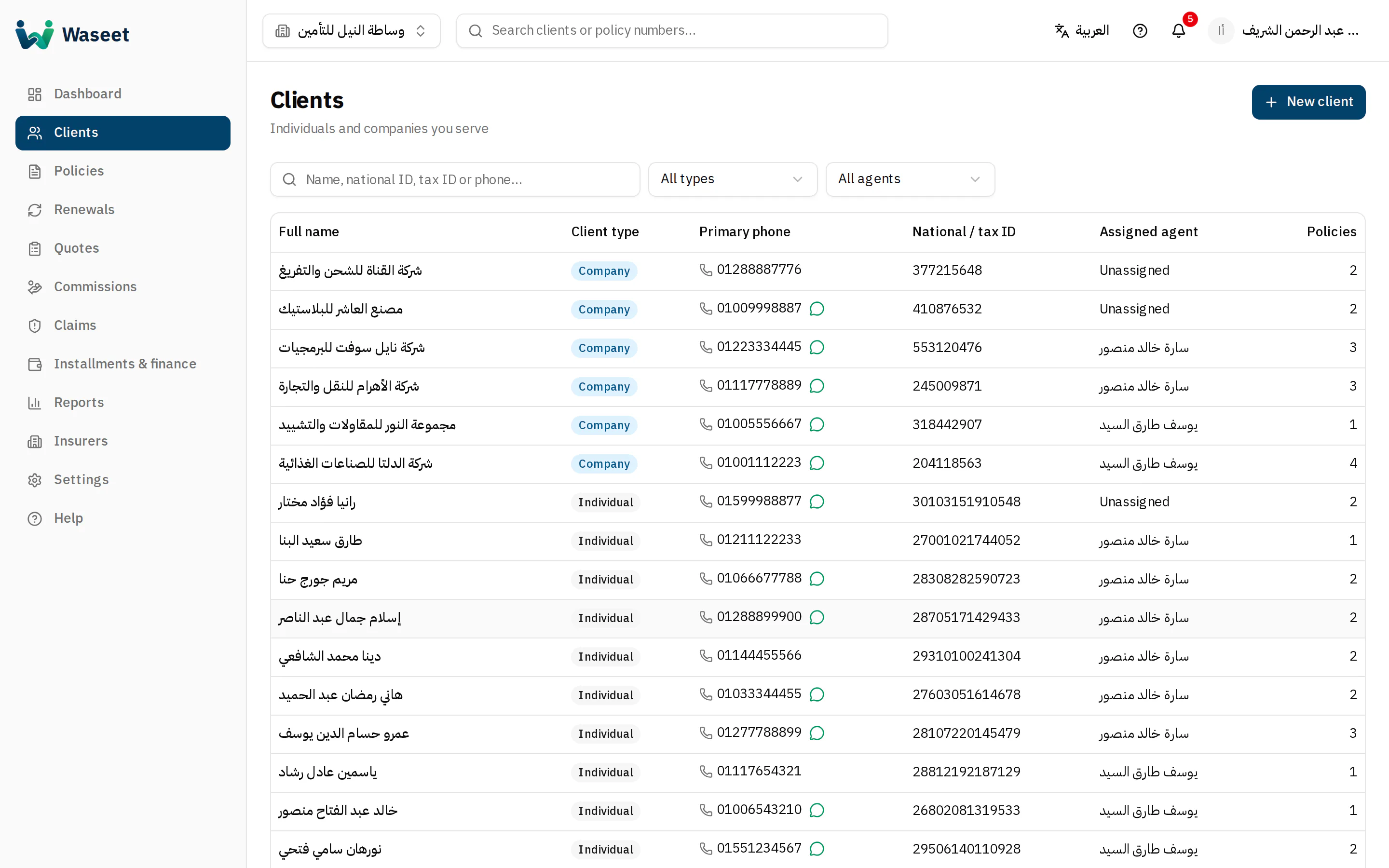
- 1New client
- 2Search by name, national ID or phone
- 3Filters
- 4Click a row for details
Adding a client
- 1Click “New client” and choose the type: individual or company.
- 2Individuals: the 14-digit national ID is validated. Companies: tax ID and commercial register number.
- 3Add at least one contact and tick the number that has WhatsApp for reminders.
- 4Assign the responsible agent (owners/managers only) and save.
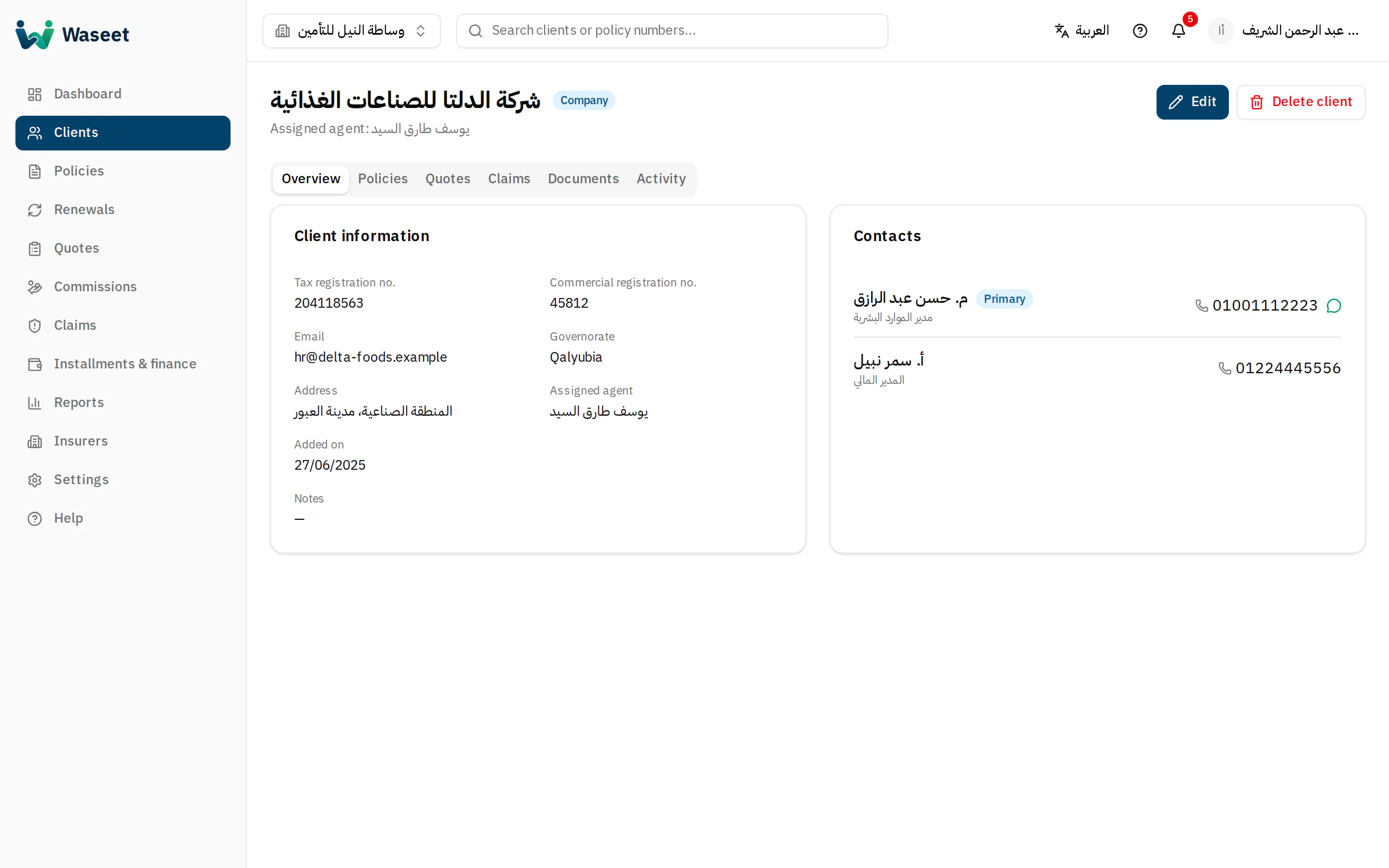
- 1New policy or quote
- 2Contacts & WhatsApp
Phone numbers are stored in international format (+20…) and can be typed with Arabic or Latin digits.
Deleting a client is a soft delete: it disappears from lists but history is kept. Agents see and edit only their own clients.