
- Draft: saved without a policy number (e.g. a renewal draft or one created from an accepted quote).
- Active: after you enter the policy number and activate; installments and the expected commission are created.
- Expired: set automatically after the end date when not renewed.
- Renewed: when the renewal is activated the old policy becomes Renewed.
- Cancelled: from an active policy, with a reason.
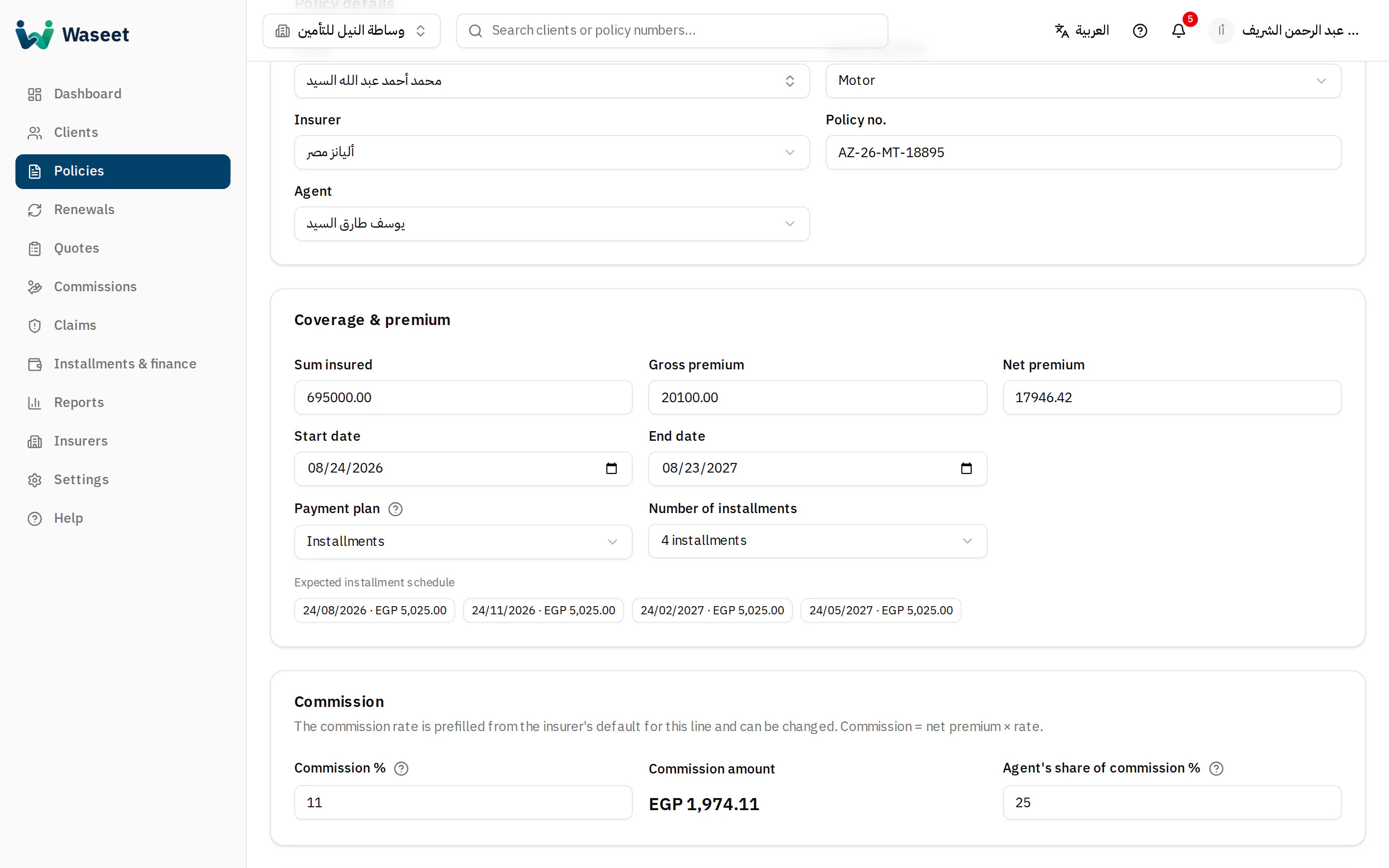
- 1Insurer
- 2Payment plan
- 3Commission %
- 4Agent split
Amounts
- Gross premium: what the client pays (incl. stamp duties and fees). Installments are split from it.
- Net premium: the commission base. Commission = net × percentage.
- Agent split: a share of the commission shown on the agent statement.
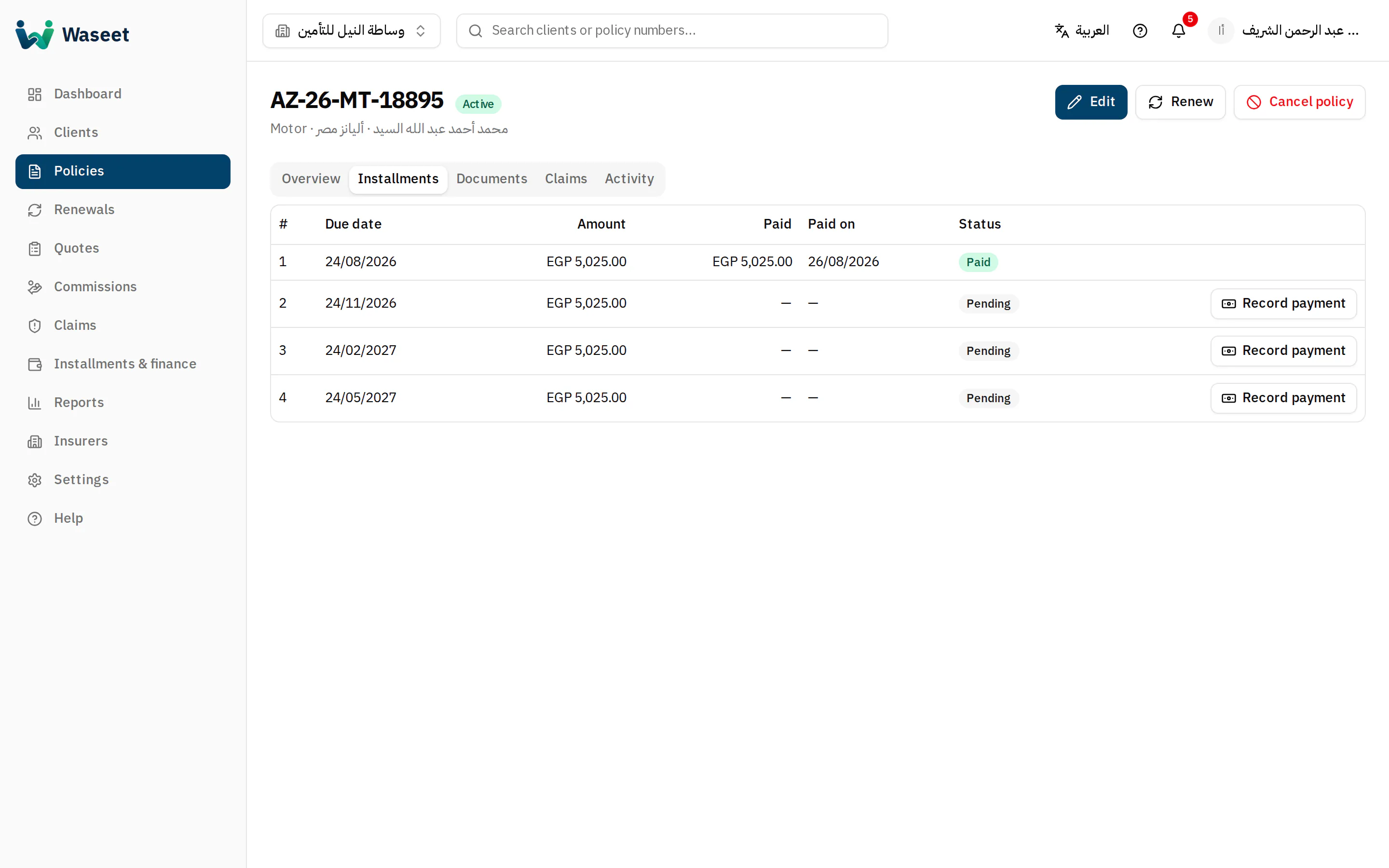
- 1Status
- 2Activate / renew / cancel
- 3Installments
Editing an active policy re-plans unpaid installments only; paid ones never change.